
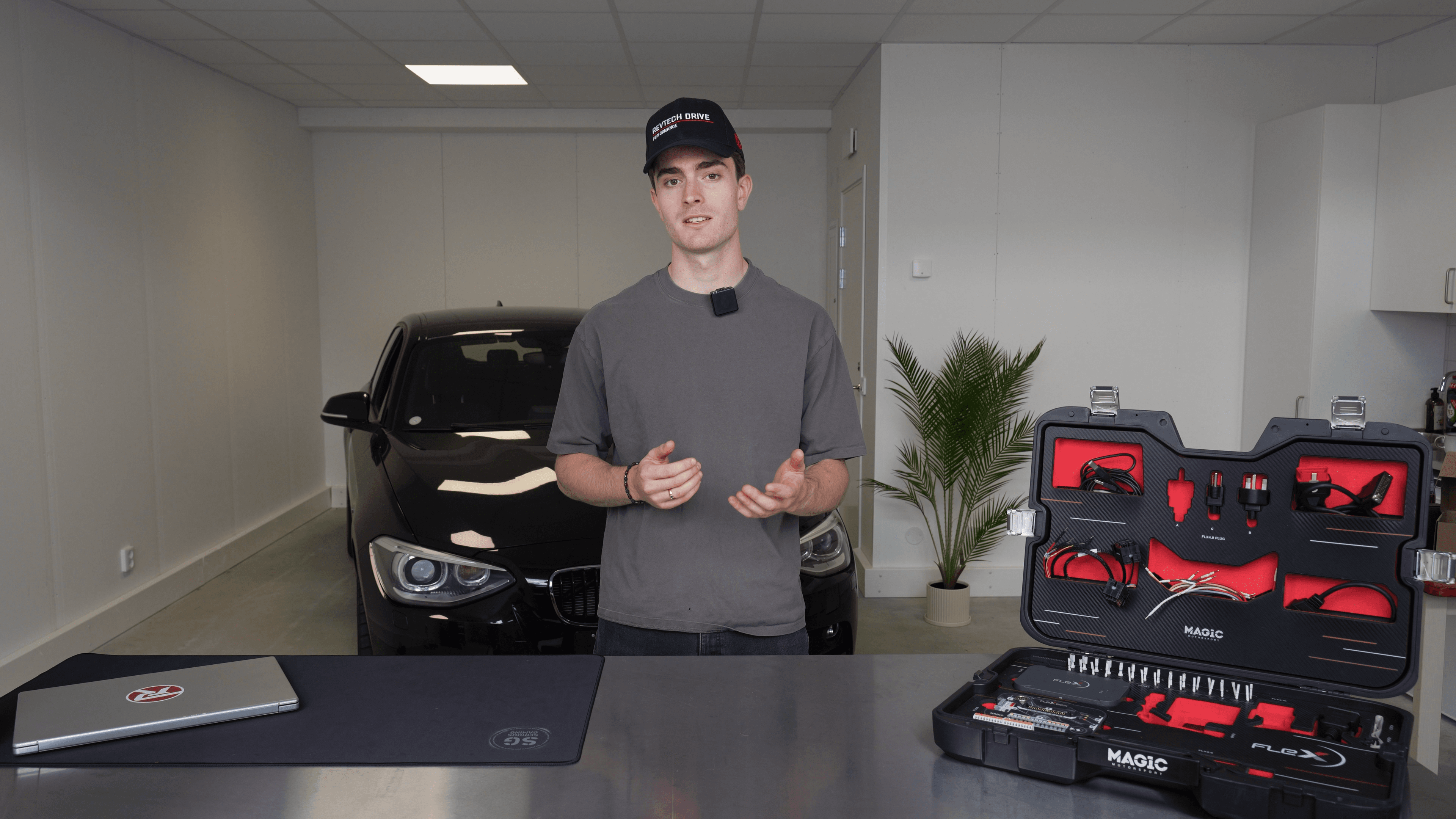
Learn ECU Tuning with Revtech Workflow
A focused video course built around one practical workshop process: prepare the car, identify the ECU, read and protect the original file, understand the file workflow, write safely, validate, and hand over the job properly.
Built for technicians who want a repeatable ECU tuning process.
Revtech Academy is not a course marketplace. This site exists for the complete Revtech Workflow course and the learning material attached to it.
ECU workflow
Follow the job from intake and identification through file handling and writing.
Module checks
Questions after each module make sure the important decisions land.
Attachments
Worksheets and supporting files sit next to the module where they belong.
Ten modules, ordered like a real job.
Welcome
Welcome to Revtech Academy, what students will learn, how long the course takes, and what they will be able to do after finishing.
ECU Tuning Fundamentals
The foundation: what an ECU is, what ECU tuning means, what can be modified, and the risks and legal limits students must understand.
ECU Tuning Terminology
The practical vocabulary students need before touching a file, tool, or portal workflow.
Your Equipment
Tool setup before the tuning process: Flex features, activation, settings, datalogging, workspace, file saving, and software updates.
First Bench Job
Your first bench tune, step by step: from diagnostics and ECU removal to upload, modified file download, writing, reinstall, and test drive.
First OBD Job
The first OBD workflow using the same calm process: connect support, scan, select protocol, back up, read, upload, download, write, and test.
Using Revtech Portal
How to work inside the Revtech portal: upload and download files, use ECU Finder and Tuning Guide, manage credits, and check order history.
When Things Go Wrong
The troubleshooting module students will return to under pressure, covering common failures and how to stay systematic.
Best Practices
The habits that prevent expensive mistakes: file discipline, backups, battery support, DTC evidence, protocol checks, and stable writing conditions.
Growing Your Business
How students turn the workflow into a business: selling tuning, pricing work, getting the first customer, handling claims, and talking to customers.
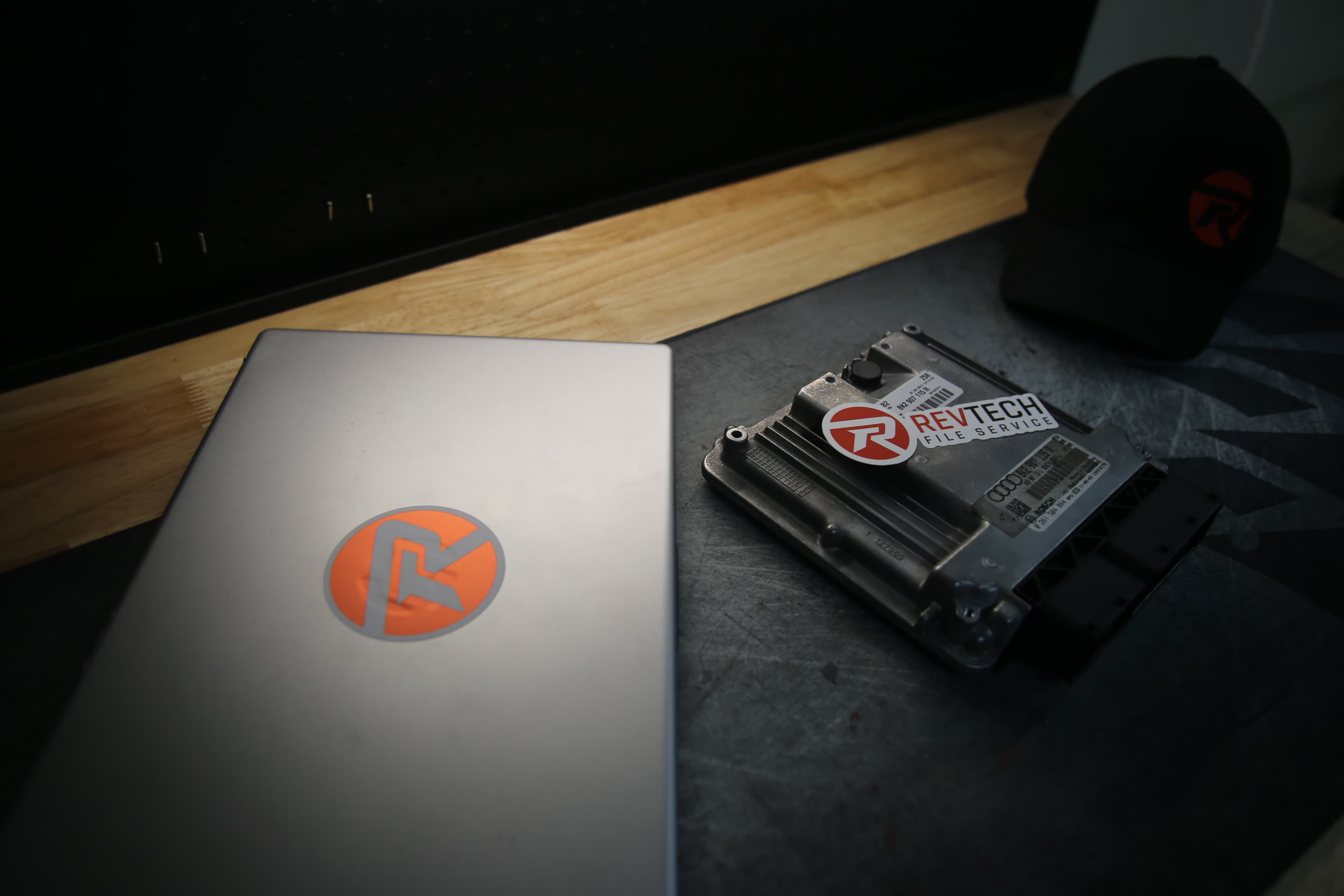
Learn the handoff between tool, file, vehicle, and customer.
The course is built around the details that make tuning work reliable: original-file discipline, stable communication, recovery planning, documentation, and validation before delivery.


Revtech Academy access is managed through your account.
Create an account or sign in to continue learning. Course purchasing is not handled on Revtech Academy.